I recently designed and built an iOS app from scratch with the development assistance of agentic coding platforms (Claude mainly, with input from ChatGPT). This was as much a process of learning Swift, the native Apple app language, as it was an education and experiment in learning the advantages and limitations of LLMs as programming tools and collaborators. Additionally, this entire process allowed me to reflect and challenge myself on my own ethical boundaries when it comes to using AI tools in the creative process.
I already knew, and still know, some hard lines that I will not cross, essentially: no use of generative AI for visual assets, art, audio/sound design, photography, or generally anything that I consider expressive forms of human craft.
What did I craft myself?
- The entire app concept (including all features)
- The visual direction, branding, color scheme, and typographic stack
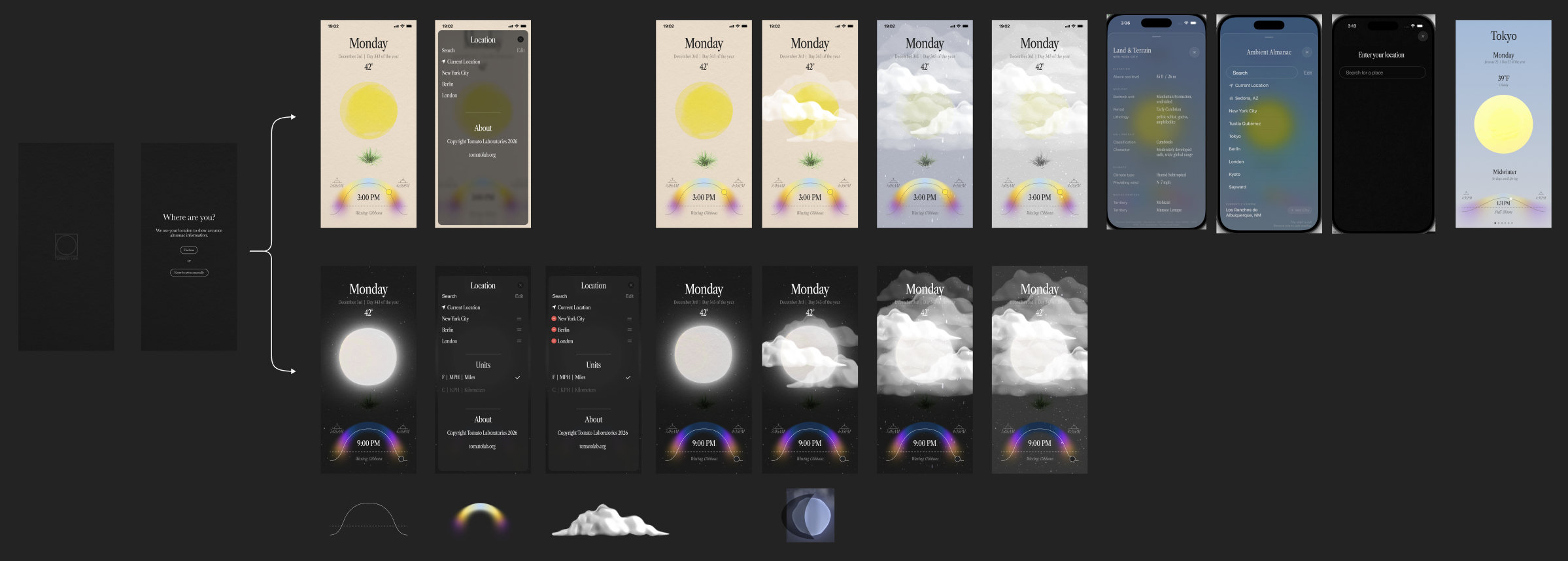
- The UX/UI in Figma (at least the first few drafts)
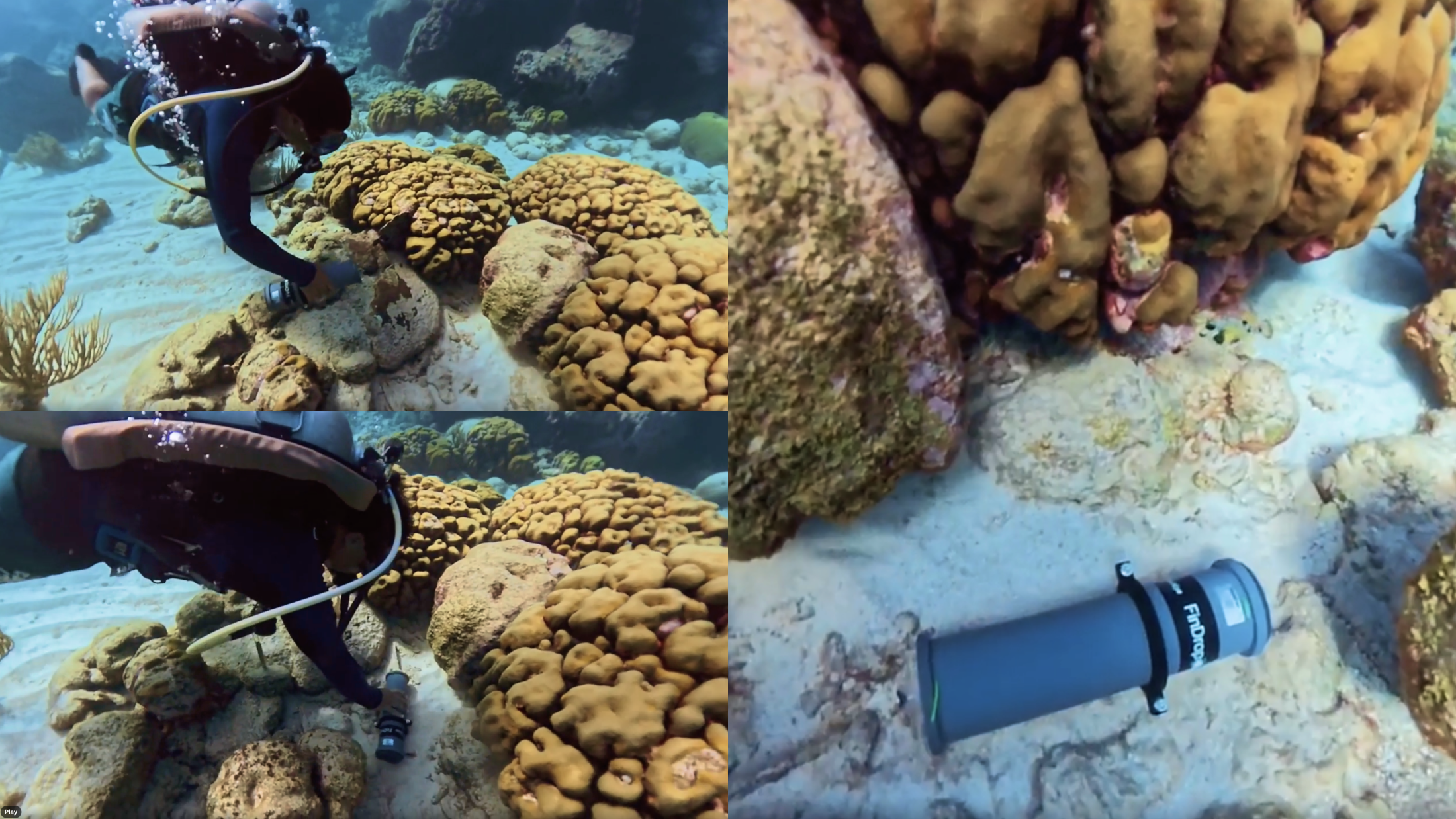
- The audio and sound design (including some field recordings I captured myself in the wild)
- The main 3D orb
- The language, tone, and copy
- The actual QA testing
- Promotions / marketing
What did I outsource/license that other humans crafted?
- Some 3D ecological elements
- Emoji set
- Some of the flat UI icons
- Some of the droning, ambient music
- Data (all sourced and referenced)
What did the robots craft?
- Most of the Swift code
- Some of the backend logic
Some of the features I enjoyed crafting the most
Temporal soundscapes
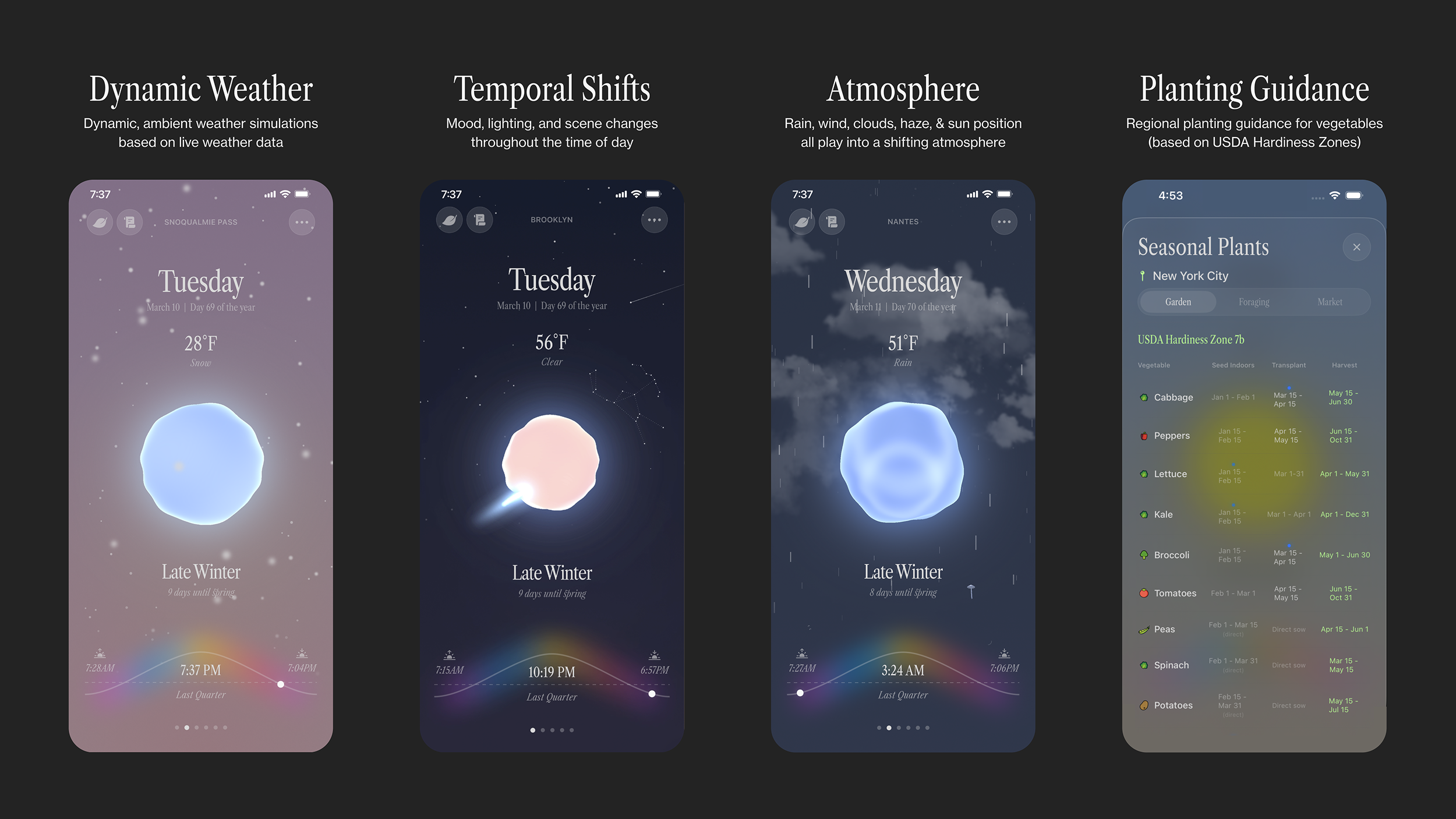
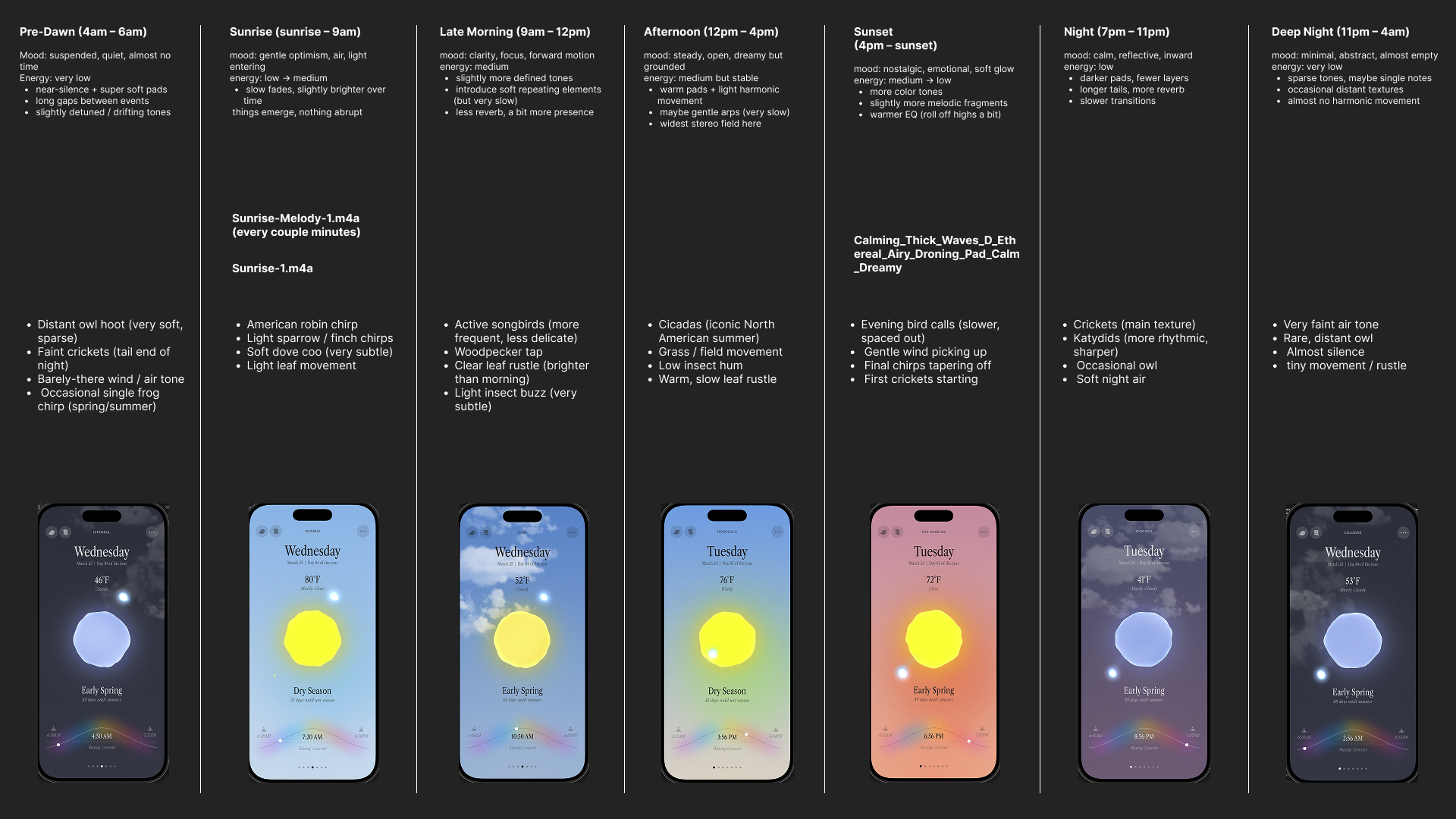
I split the day and night into 7 or 8 chunks, and depending on where you land, you’ll hear a different aural mood. Even more, there are region and time-dependent field recordings of nature layered on top of those.
Contextual, live, animated, procedural atmosphere and weather
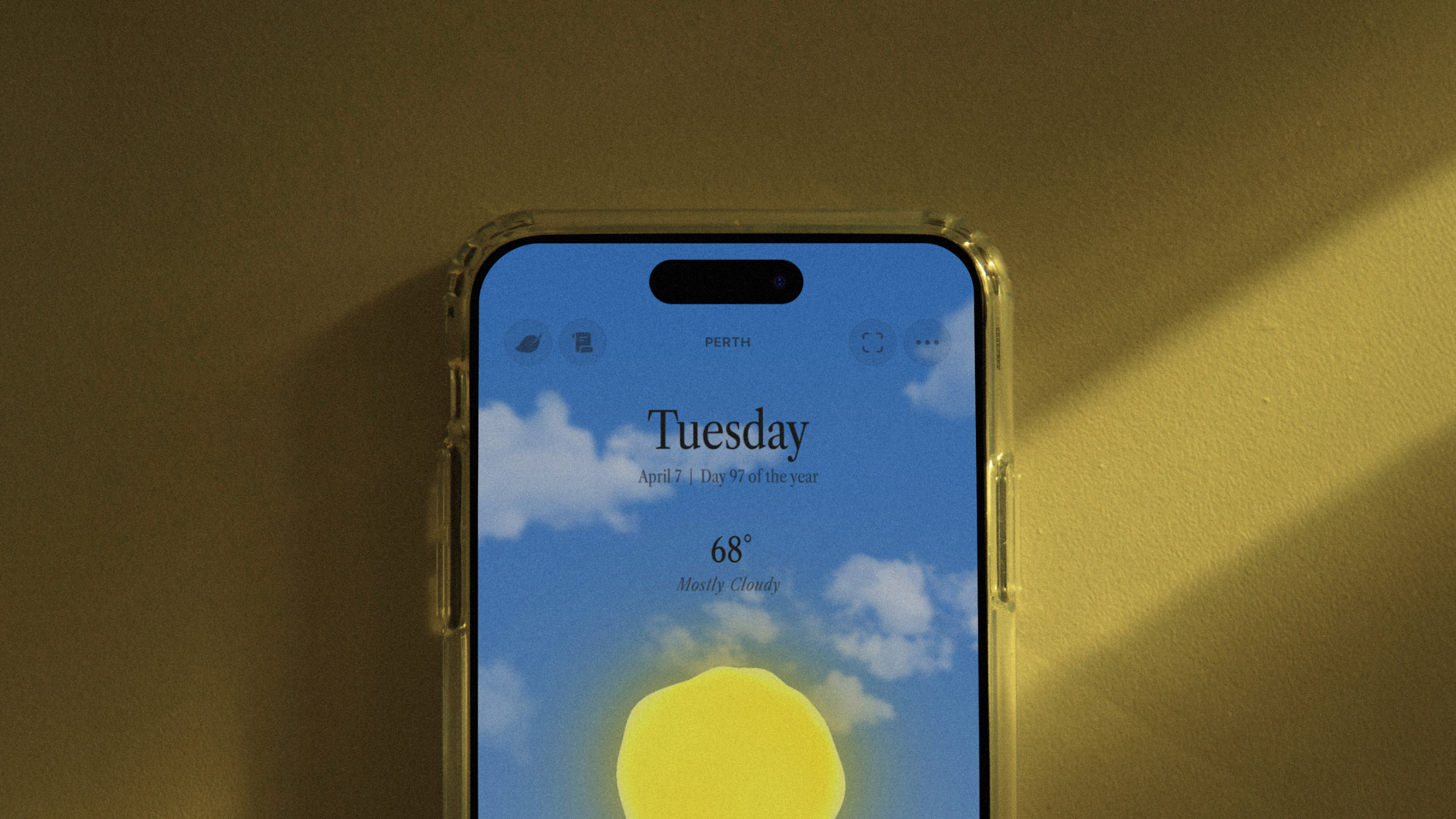
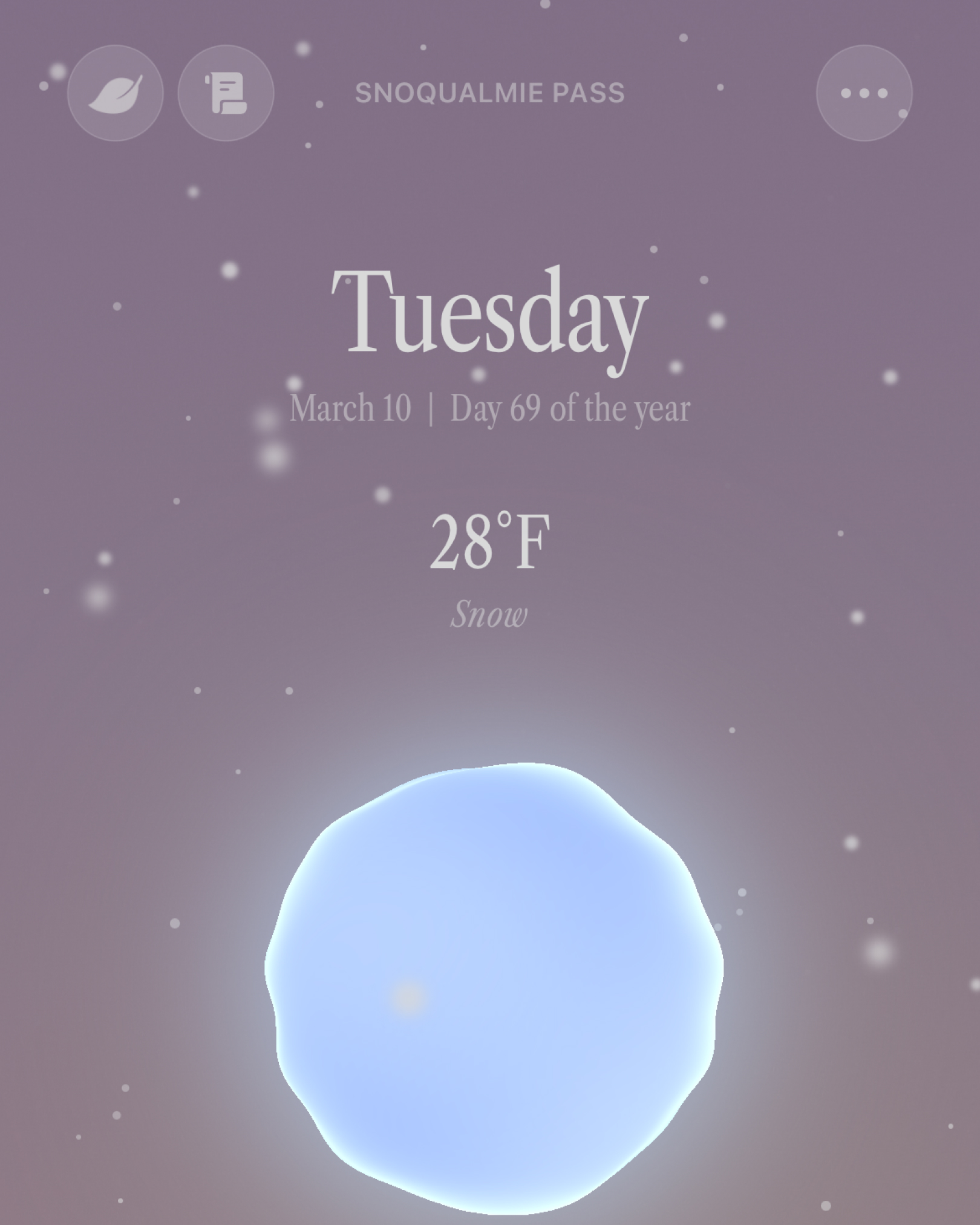
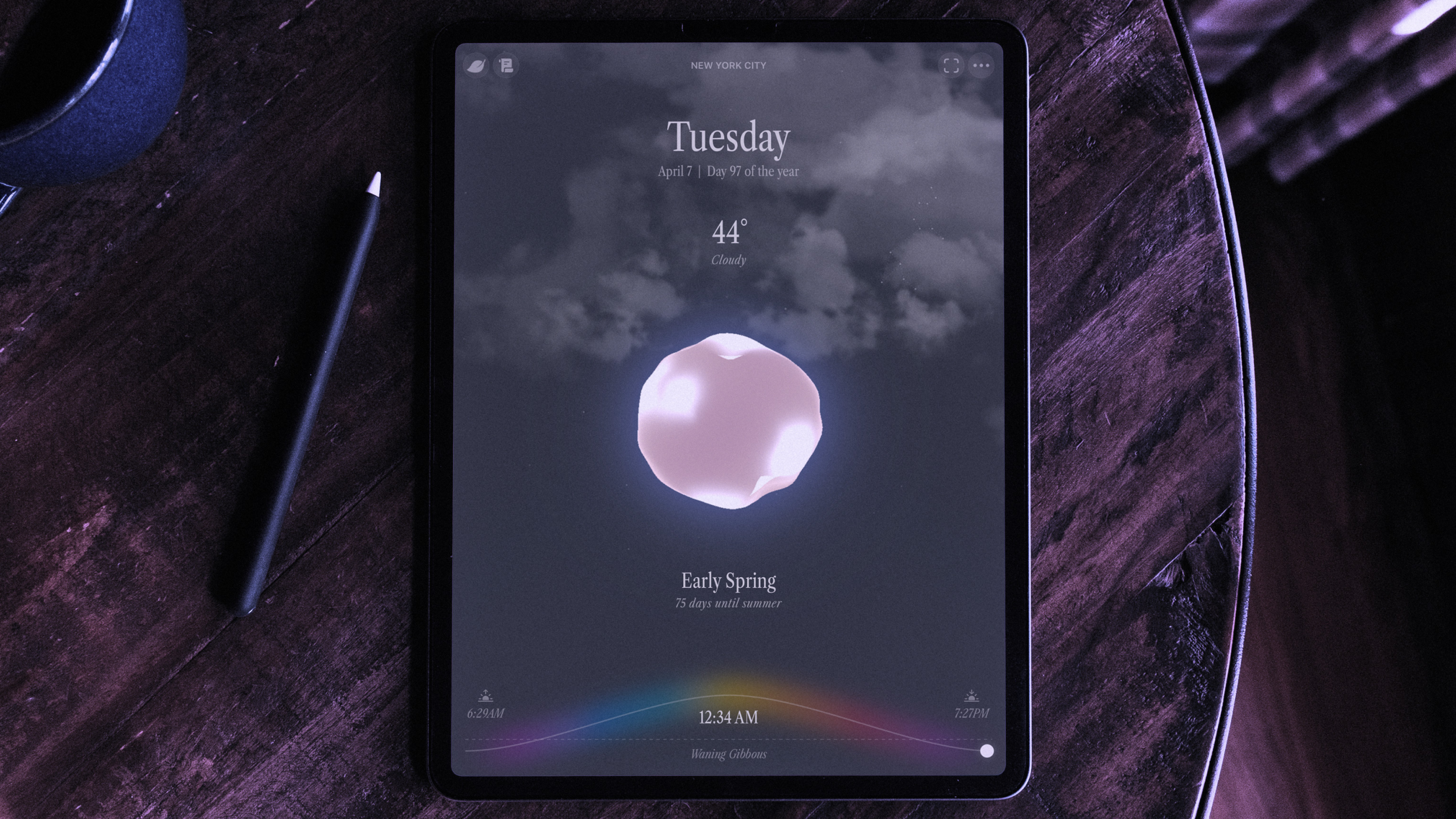
Drawing live data from a weather API, the app does its best to recreate little weather scenes: rain, snow, wind, clouds, etc. This was really hard to get right, and I’m still working to improve it. This was one of the more CPU-intensive features, and I had to constantly adjust the clouds and rain to not melt my iPhone.
Season and hemisphere-specific constellations
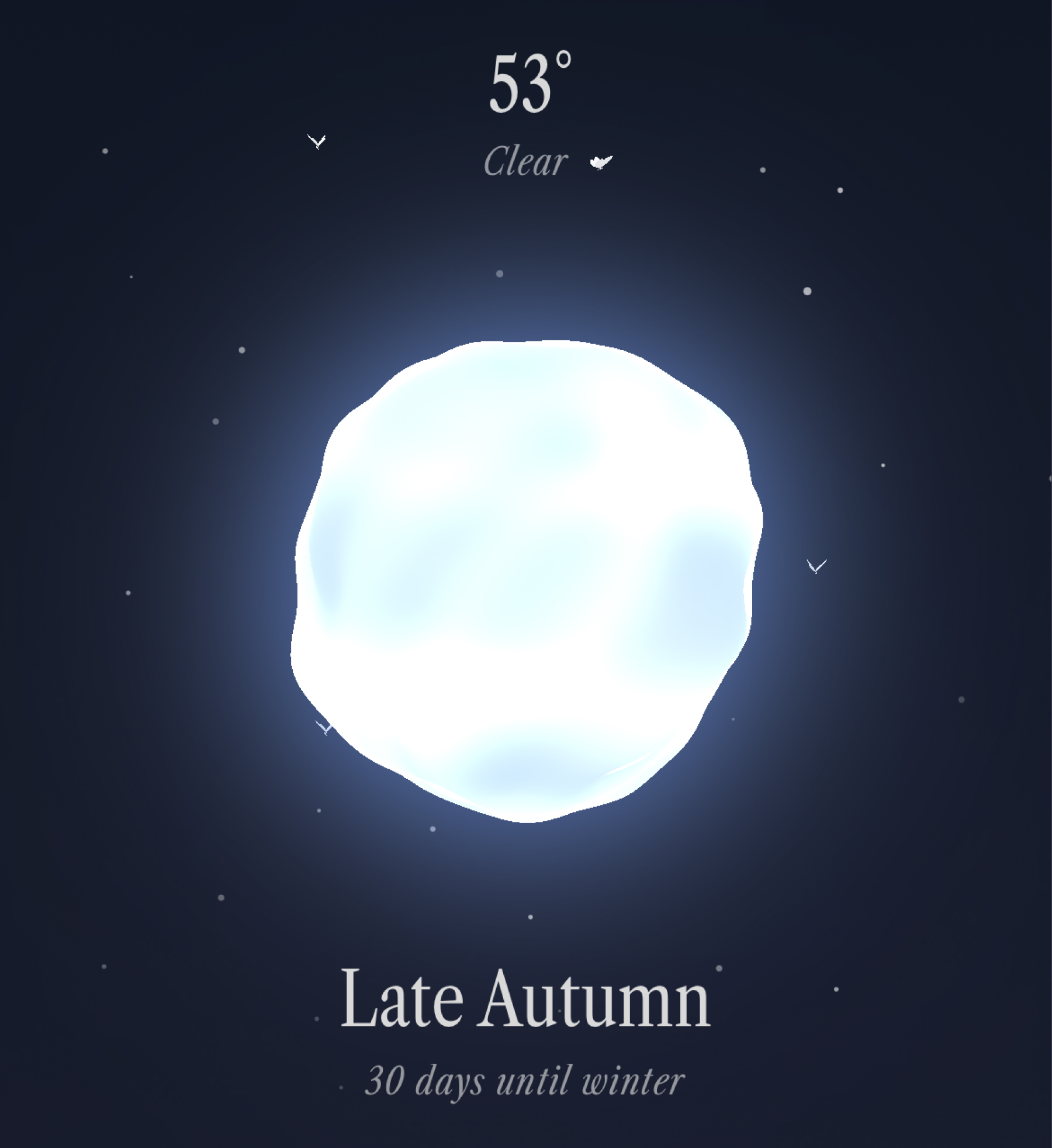
Depending on what season you are in and what hemisphere you are in, only certain constellations in the starry night sky are visible. The same is true inside the app (technically, you have to press and hold down on the orb on a clear night to see these). This was a fun easter egg to create.
The butterflies (and moths)
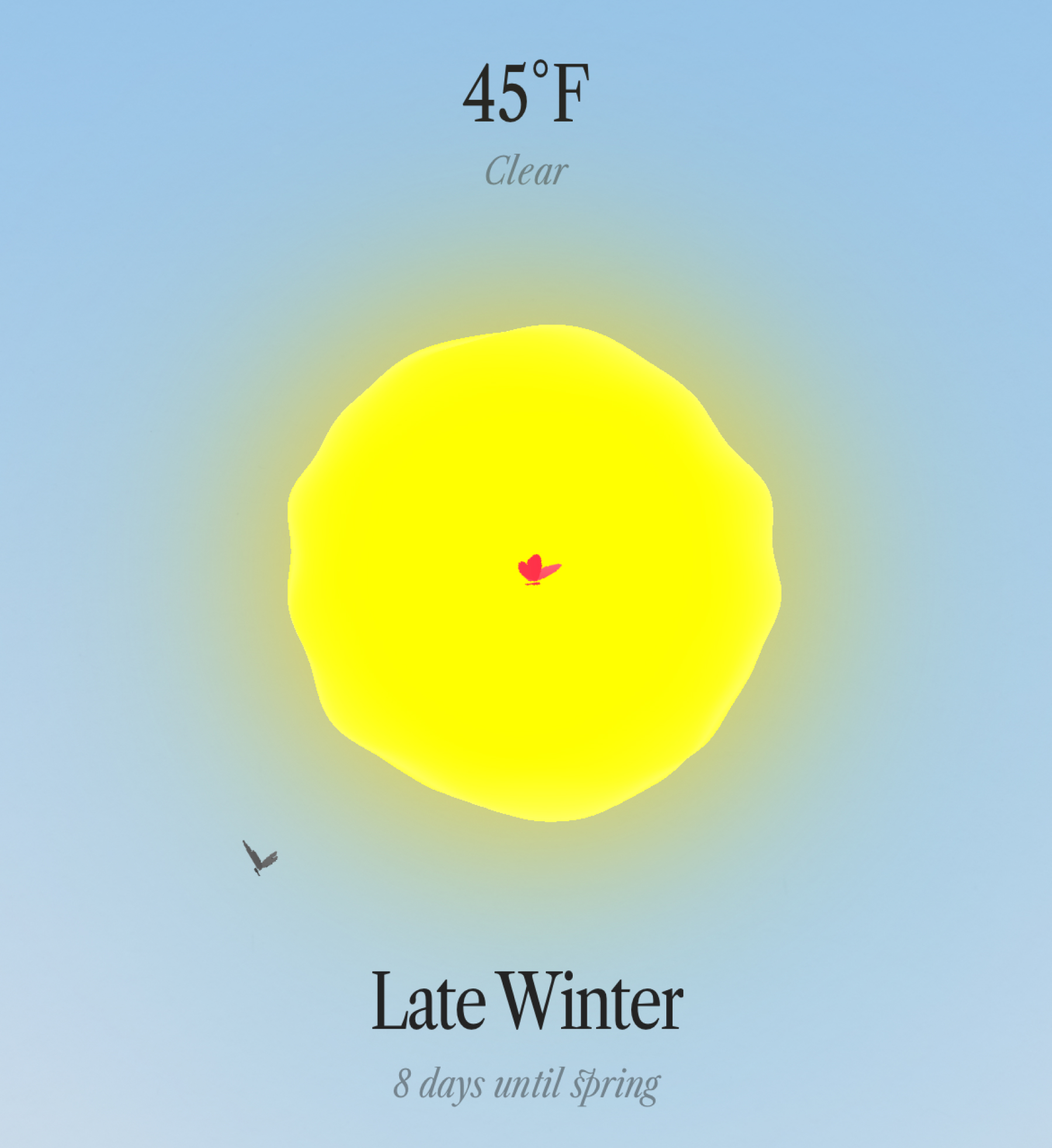
Depending on your season, weather, and time of day, you may see some color-palette-limited-but-beautiful little butterflies flapping around. Hold down the orb (short or long), and you can release more into the atmosphere. This was clearly an essential UX feature. The moths are more rare and challenging to discover. Bees coming in future updates!
Land & terrain data
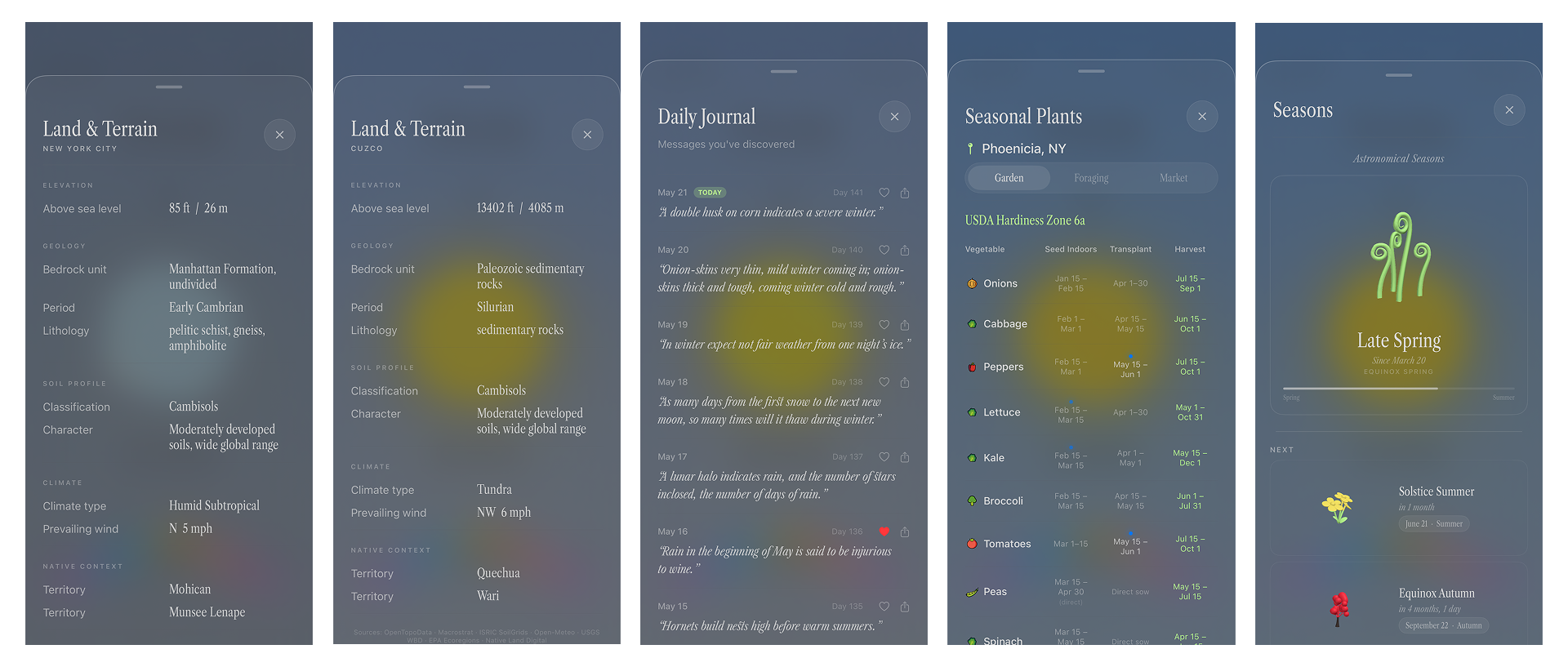
This feature is pretty nerdy, but one of my favorites. Drawing from many sources, like OpenTopoData, ISRIC SoilGrids, Open-Meteo, USGS, EPA, and Native Land data, I developed an overlay feature that tells you a lot of really cool scientific information about the land you are standing on. It also tells the user what the historical Native territory is.
Some Thoughts on Machine-Assisted Coding
Writing off coding as less valuable in a value system of creative expression is definitely a controversial opinion. There are entire schools of thought around poetic computation and code-as-art. And I respect that. I still code weird, fun, pointless tools and websites, often by hand. And there is no straight scientific, mathematically accurate way to code projects. There are best practices, but then again, there are best practices in most vocations and crafts. I personally believe that coding for utility is not art and does not need to be as protected as art and artistic expression (See our AI Policy). I also do not believe that machine-made code is as damaging to the fabric of societal trust as is machine-made art, design, photography, music, or audio.
That said, I certainly was not going to code tens of thousands of lines of Swift by hand, nor could I if I wanted to. I’m comfortable handing that off to a computer, even if it is not perfect. This wasn’t client work, and I had no deadline or scope. I think if this were in a more rigid, paid client pipeline, I would bring on a full stack or Swift developer to assist and QA. That’s my general take on dipping into the agentic coding world.
It isn’t perfect, and often downright worse than hand-coding (I found myself learning Swift because I needed to get something done or correct a mistake from Claude Code that it simply wasn’t doing, or was doing wrong entirely). There are also capacity limitations. I’d find myself hitting a rate limit and just hand-coding the rest and learning that way. I think, as a learning modality, these tools can be really fun and helpful. I don’t think I’d replace a real, human developer with one of these just yet for big client projects.
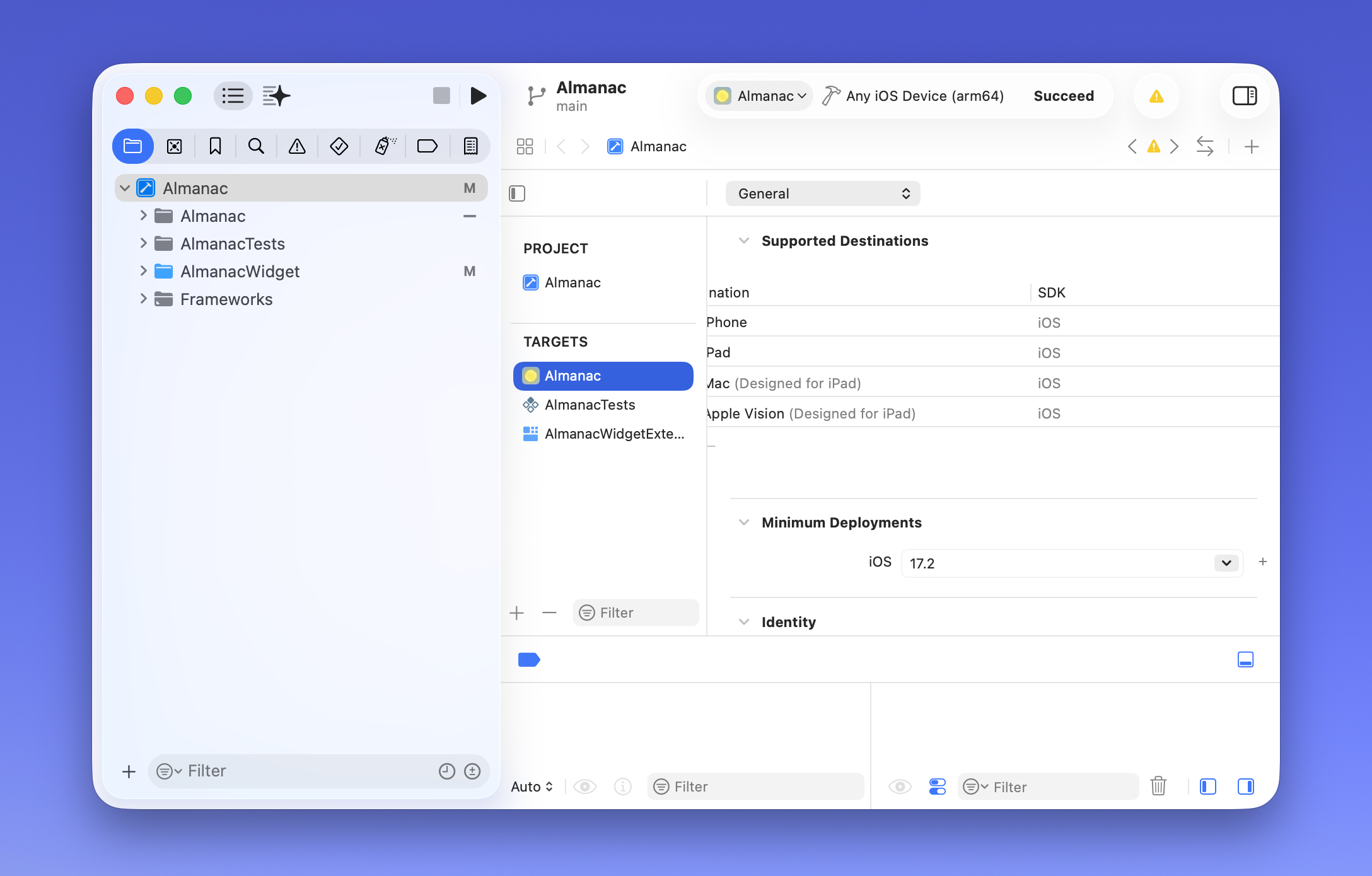
Vision vs Reality
While I am relatively happy with the end result, it’s live on the App Store, it mostly functions as expected, it’s pretty, etc., I do have some takeaways that I would change if I did this again. Now that I understand the limitations and the ecosystem of the Swift language, I would be a little less ambitious with the visual interpretation of my idea. Coming from a traditional art and graphic design background, I expect everything to be the most beautiful version of itself, with no limitations on painterliness, depth, weight, size, etc. A beautiful oil painting is a big, physical, unapologetic thing that takes up space, gravity, molecules, etc. Swift, and Apple hardware, are not canvases.
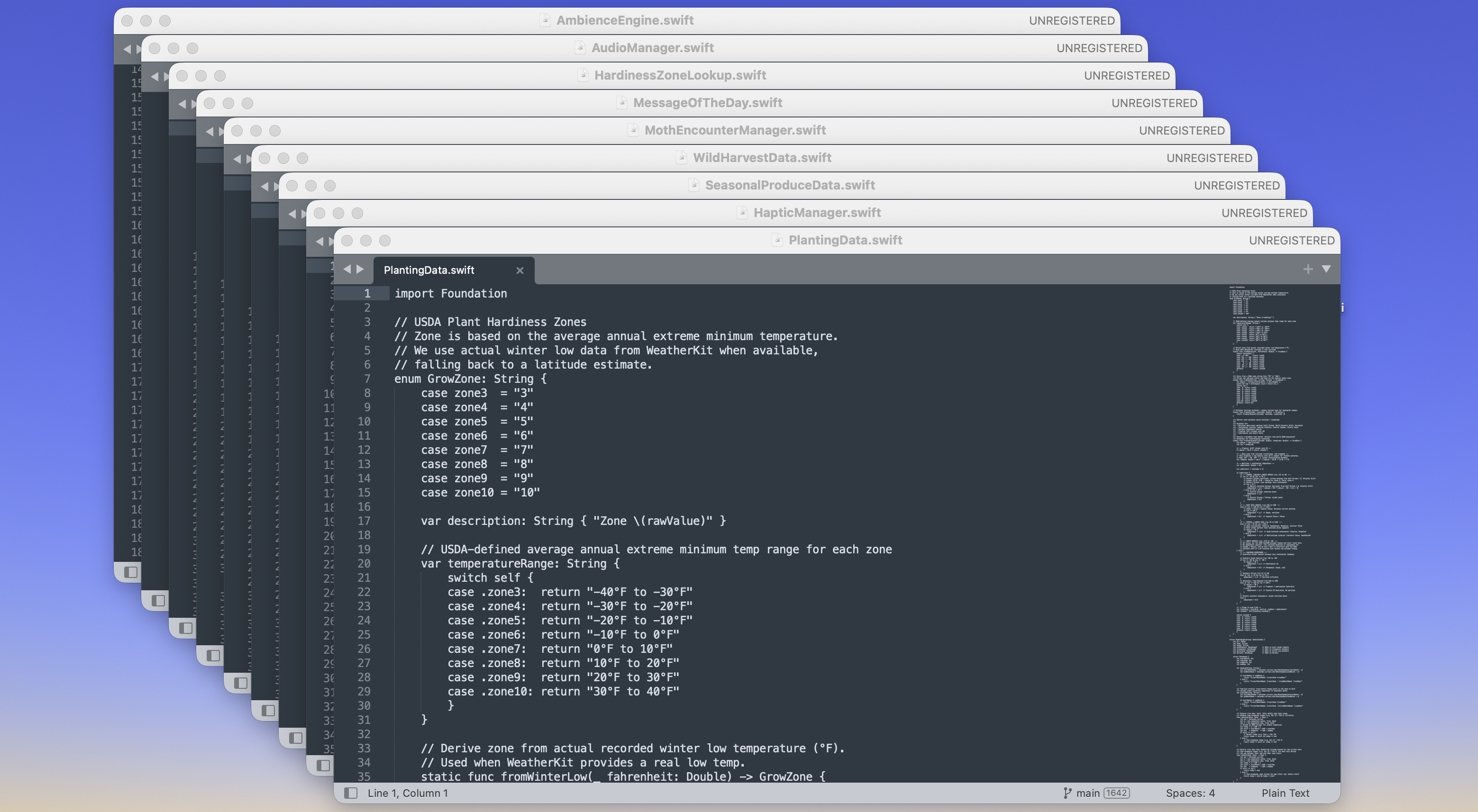
They are not supercomputers. They have real limitations, and for the first 4 months of this app development process, my test phones were overheating every time I tried to load the app. I had to really pare down the visual richness of the 3D environment and make some sacrifices to get it to a launchable, practical product. I had a nice, beautiful natural paper grain effect over the whole experience, but it just created so much backend computing drama that the devices would overheat. I had to remove it. Audio engines were often too complex and had to be simplified. I’m still paring down weather animations and 3D ecologies on successive updates just to get the app running faster. It’s an ongoing education.
If I do this again, I will certainly make things visually more simple. This was a bit of a disappointing limitation, and I think if I worked with a professional Swift developer, they would probably have some more nuanced workarounds or wisdom that I simply did not have access to with these AI coding agents.
Whats Next?
Overall, I created something I could not have completed on my own, at least not in 6 months, but I do feel like there were some severe limitations and gaps missing that would have benefitted from having a seasoned iOS developer at hand. I am still very proud of the app. I think it is very inconsequential and beautiful, and I look forward to improving it over the coming weeks and months until it is even more weird and fun.
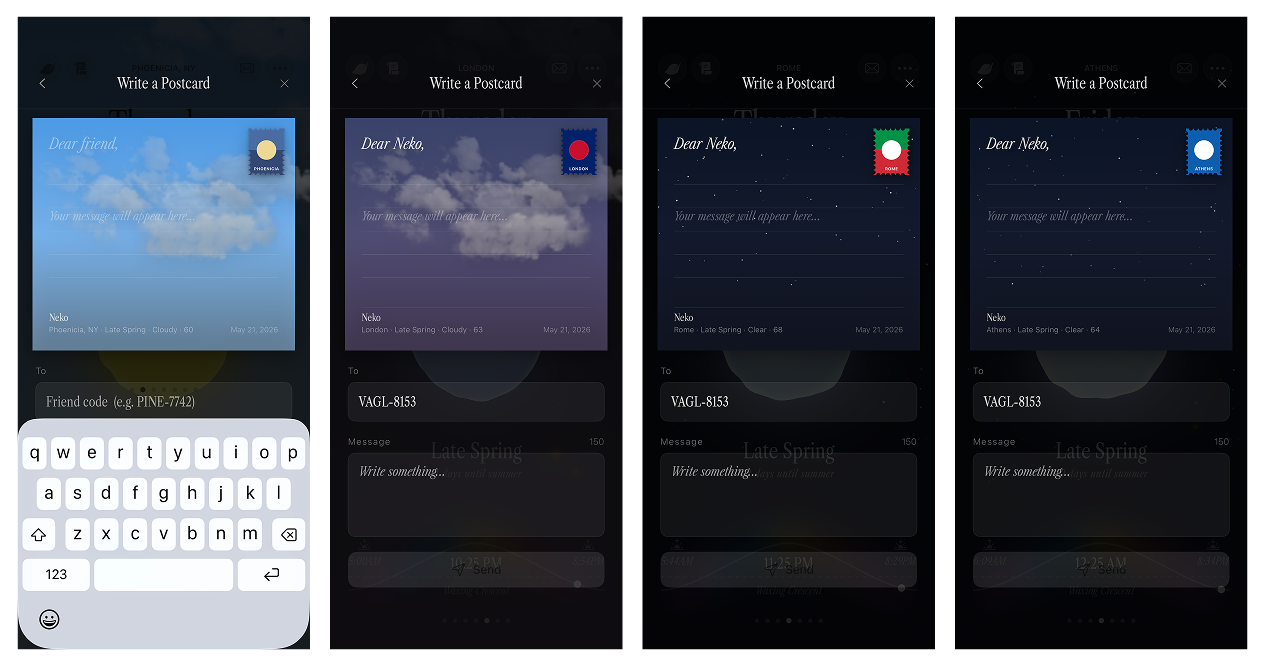
Next I plan to continuously improve on the app as time allows. I am currently working on building an Animal-Crossing-style mail system that uses internal Apple Cloudkit identifiers instead of your contact list—keeping things minimal, private, & secure. The ethos of the app is no ads, no tracking, no weird scammy stuff. Pay once, free updates forever.
Check it out at the links below if you are interested:
Ambient Almanac on the Apple App Store
Official Ambient Almanac website: ambientalmanac.app